One.com Installation
Code
Frameworks
Platforms
Tip: You can use the HTML method to install on any website.
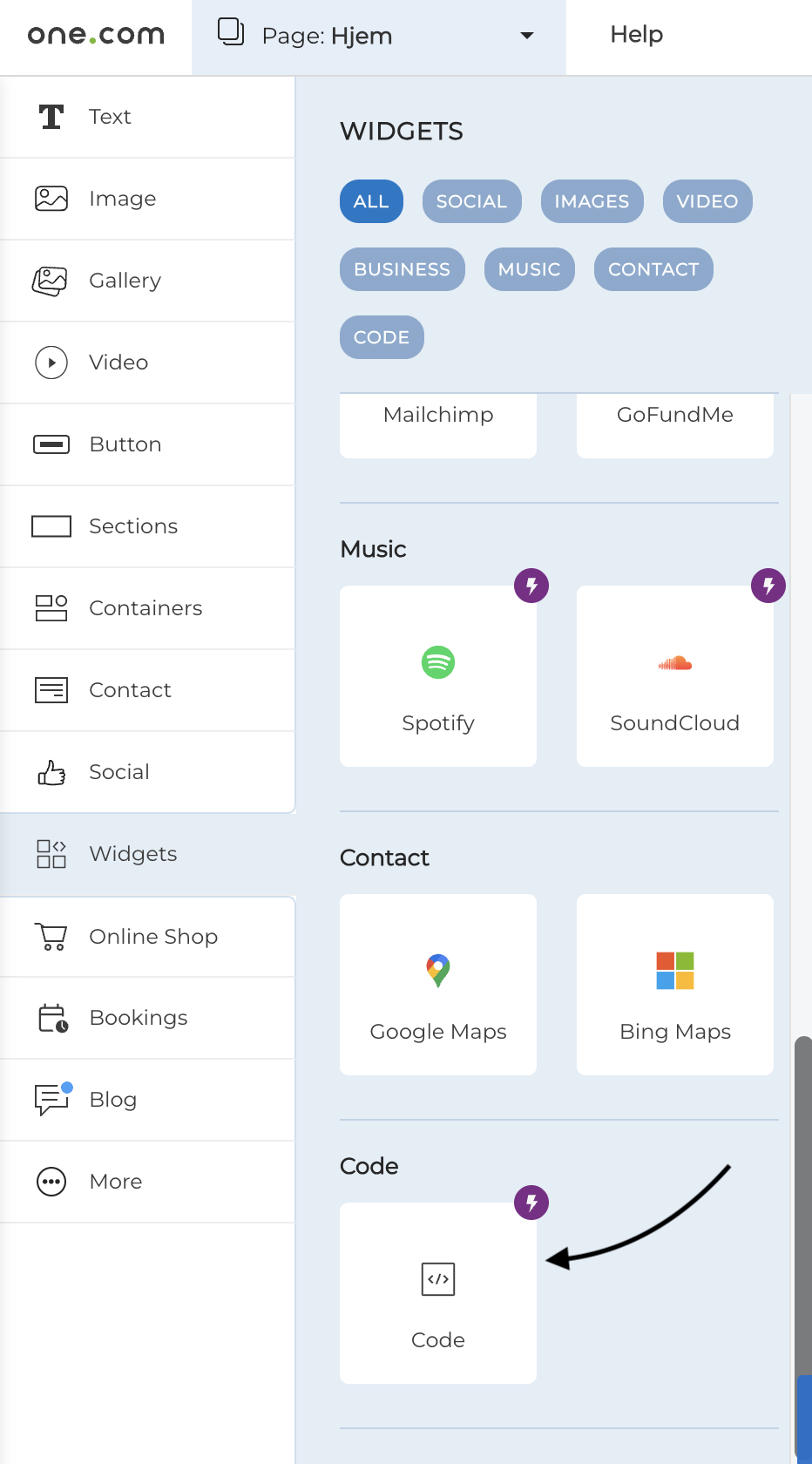
Hyvor Talk uses One.com's Code Widget to embed comments.
- Log in to your One.com website builder and navigate to the website where you want to embed Hyvor Talk.
- Go to the "Widgets" section and select "Code Widget" from the available options
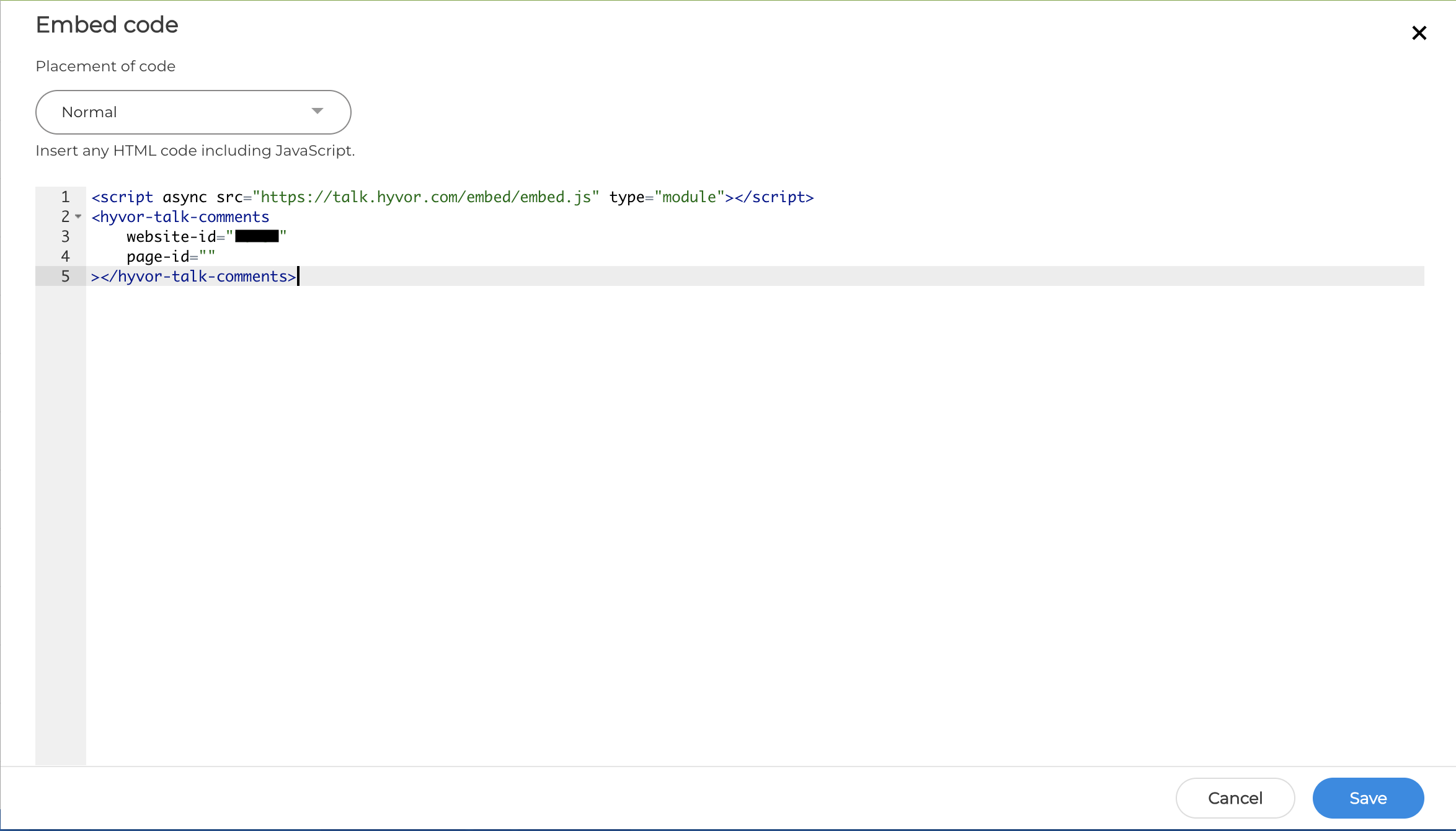
- Copy the Hyvor Talk embed code from your Hyvor Talk Console.
- Paste the embed code into the Code Widget's HTML editor. Save the changes and publish your
website to see Hyvor Talk comments live on your site. You may need to adjust the widget's position and size to fit your website's layout.
Note that you have to add your site domain to the
Settings -> Website -> Allowed domainsin Hyvor Talk Console.